Capture photos and videos of your corporate event from every guest
Allow guests to upload unlimited photos and videos of your corporate event into a shared gallery - no app downloads or guest signups required. Simply share a QR code or link with your guests and let the photos and videos flow in.
Why it works
Benefits of using Qrowd Pics for corporate events
- Every attendee becomes a source, not just the official photographer.
- One hired photographer or a communications team member with a camera can't be in every breakout session, every booth, or every candid hallway conversation at once. Qrowd Pics collects photos and videos from every attendee's own phone into one shared gallery, so the recap ends up with moments the official coverage would have missed.
- No app to install, no IT approval needed.
- Employees are understandably wary of installing an unfamiliar branded app on a personal phone, and getting one approved through IT takes time you don't have before the event. Qrowd Pics runs entirely in the browser. Attendees scan a QR code and start uploading in seconds, with nothing to install or approve.
- Full resolution, no compression.
- WhatsApp, Slack, and iMessage compress photos to a fraction of their original size, which shows the moment you try to use them in a recap deck or on social media. Every photo and video uploaded to Qrowd Pics is stored in its original resolution, ready for the newsletter, the LinkedIn post, or next year's pitch to leadership.
- One QR code covers every office, session, or booth.
- Print the same code on signage at registration, on table tents in each breakout room, or on a slide at the end of a keynote. It works identically whether the event is a single all-hands or a multi-city roadshow across offices, funneling every location's photos into one shared gallery.
- Content keeps arriving after the event ends.
- Attendees get back to their desks, go through their camera roll, and remember the photo from the closing session. The gallery stays open for 6 months on Standard and Premium tiers, so late uploads still land in the same place before you send out the recap. Full-quality downloads remain available for 1 year after the first upload.
- Review every submission before it goes into a company-wide recap.
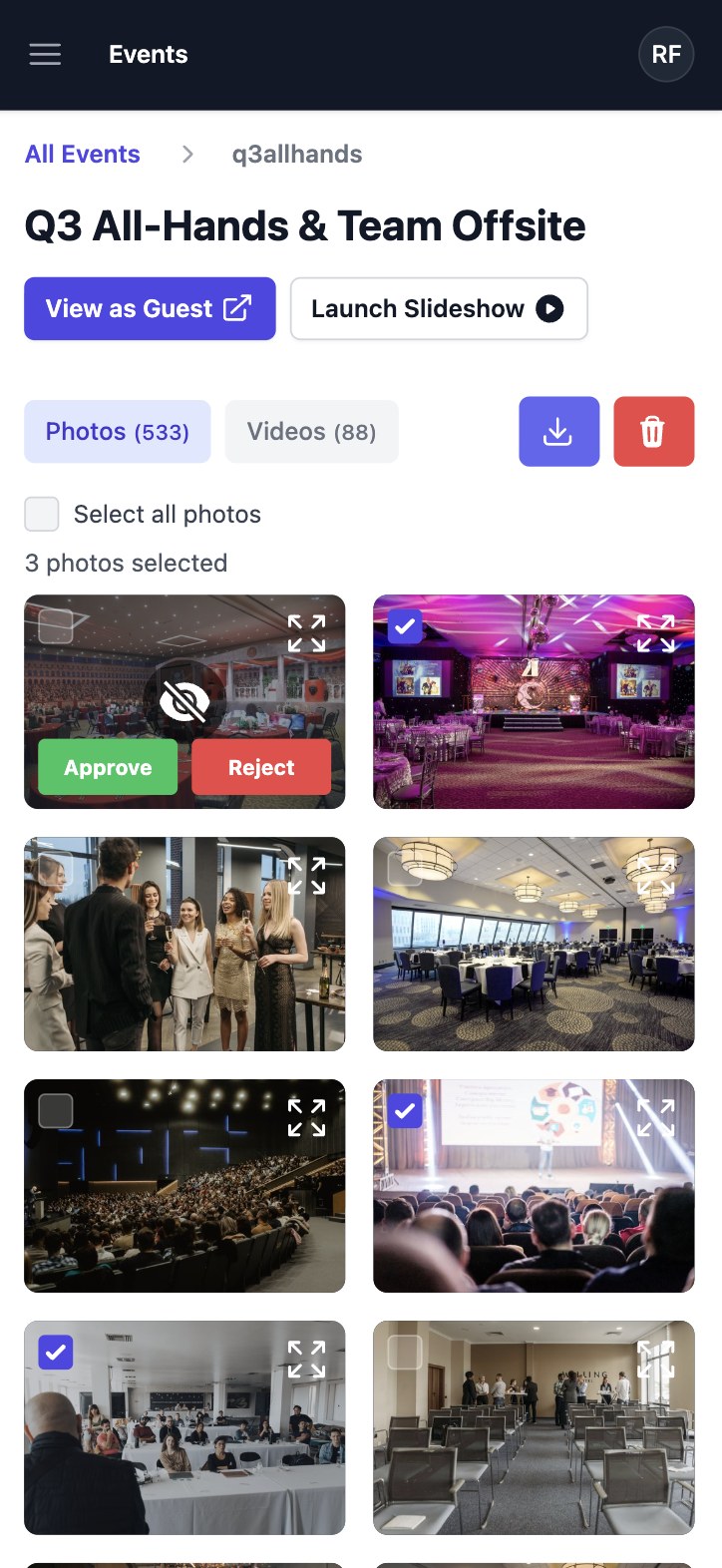
- The Premium tier includes an upload approval setting, so your communications or marketing team can screen every photo and video before it becomes visible to other attendees or gets pulled into an internal newsletter, all-hands recap, or external post.
Simple setup
How it works
Create your corporate event gallery, share with guests, and start collecting photos and videos in minutes. No app downloads, just memories.
For Guests
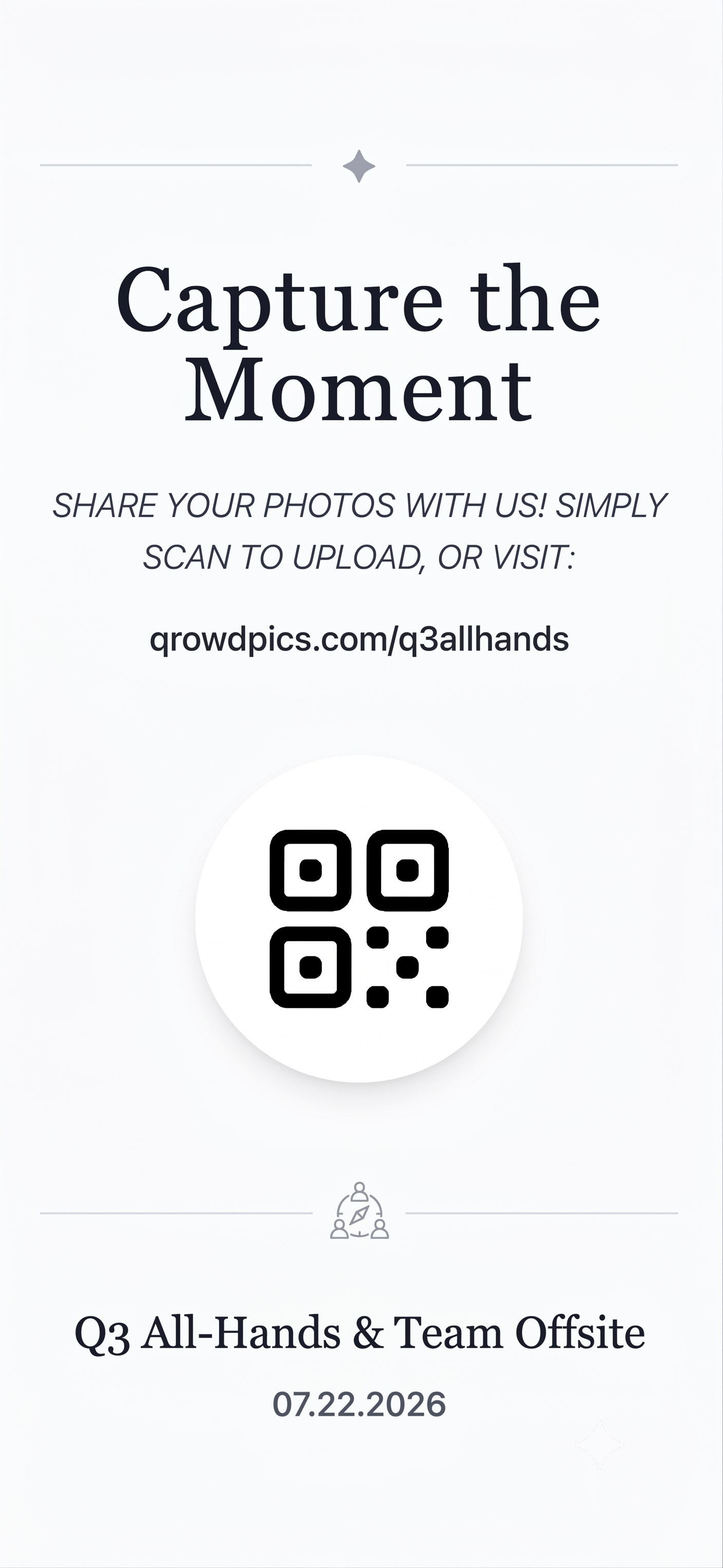
Scan QR code
Scan a QR code or visit the corporate event's custom URL directly to access the gallery.
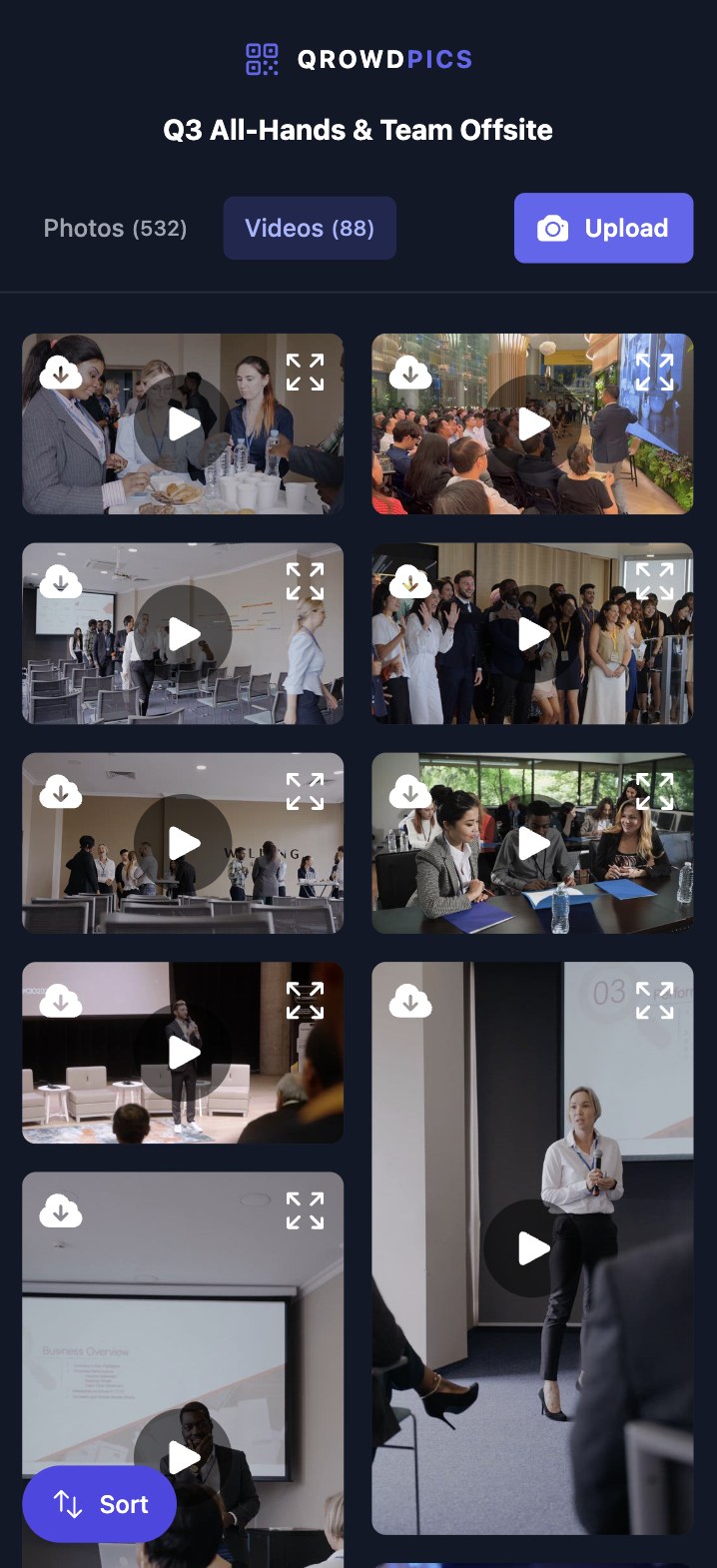
View corporate event gallery
View and enjoy all photos and videos uploaded by various guests in the shared corporate event gallery.
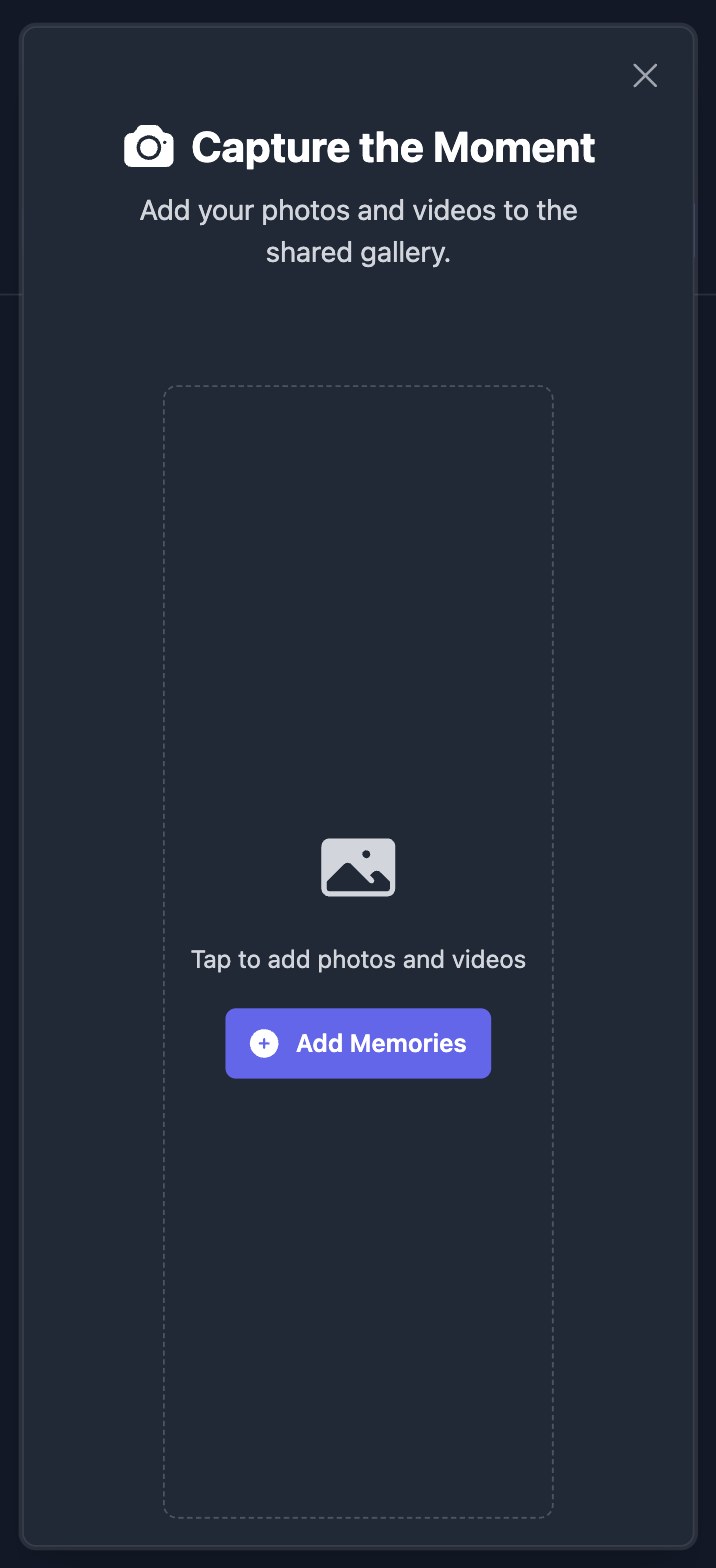
Upload photos and videos
Add your own photos and videos from any device to be displayed in the gallery.
For Hosts
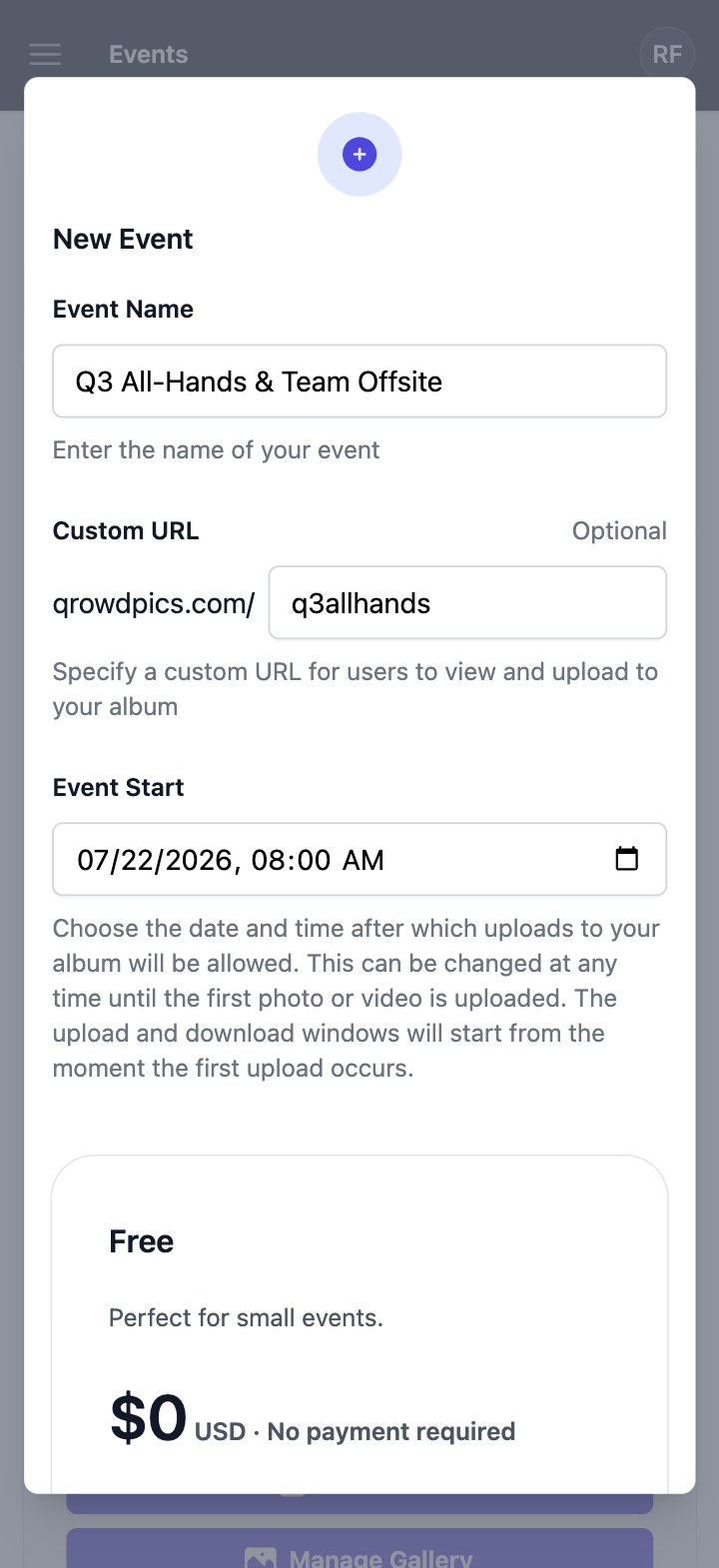
Create your corporate event
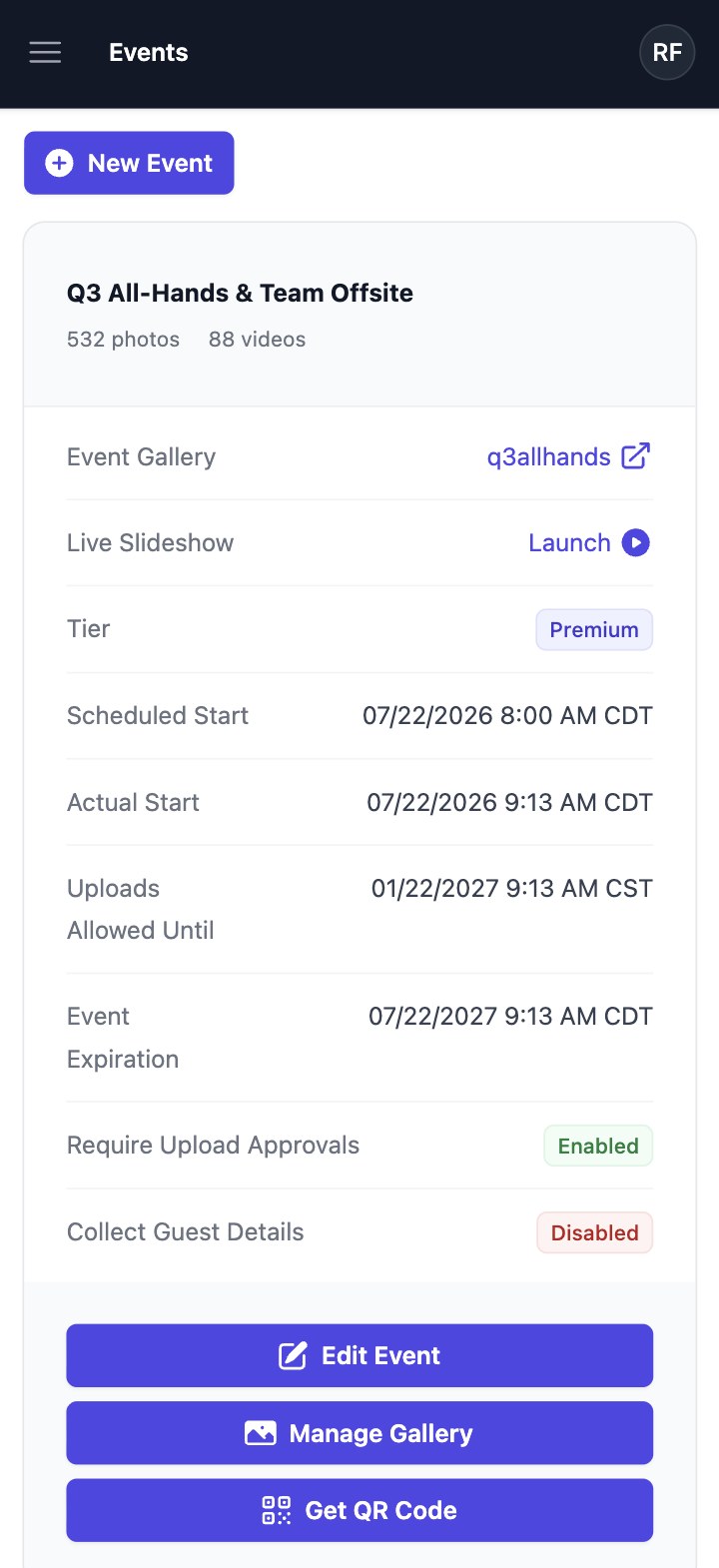
Name your corporate event, optionally customize your gallery URL, and set the date and time after which guest uploads will be allowed.
Share with guests
Share your custom gallery URL or QR code with guests - no app downloads or signups required.
Manage corporate event gallery
Download or delete collected memories at any time. For Premium corporate events with approvals enabled, review each upload before it appears to guests.
Frequently asked questions
Comparing your options? See how Qrowd Pics stacks up against Guestpix and Kululu.